
MODEM73 is an open source software modem that works with any HF, VHF, or UHF radio capable of 2400 Hz of bandwidth.
Also available over rngit:
rns://4cf8a0651c4d73cacd0f93ac1d95e80a/public/modem73
MODEM73 is an open source software modem that works with any HF, VHF, or UHF radio capable of 2400 Hz of bandwidth.
Also available over rngit:
rns://4cf8a0651c4d73cacd0f93ac1d95e80a/public/modem73
SSB, AM, and FM are all supported. No flat audio mod, special hardware, or other hacks needed. It's plug and play compatible with any KISS application and works with rigctl, CM108 sound devices, and serial PTT out of the box.
Works with anything that speaks KISS over TCP or with the custom control port: APRS clients, HamIRC, packet BBS software, Reticulum, and custom applications.
There are three modem families, each suited for covering any possible RF setup from clean line of sight FM links to poor HF band conditions. The receiver decodes all of them at the same time, so one station can hear anything another station sends without switching modes.
Based on the open source COFDMTV modem developed by Ahmet Inan / aicodix GmbH. Modulations from BPSK to QAM4096 with code rates from 1/4 to 5/6 and payloads from 256 to 6144 bytes per frame. Rates run from about 790 bits per second to over 17 kilobits per second in the same 2400 Hz.
A set of slow modes built for fading HF paths such as 40 and 80 meter NVIS. Five modes from 1150 bps down to 149 bps in either 2400 Hz or a 600 Hz narrow variant.
A non-coherent mode for weak signal propagation and backup links.
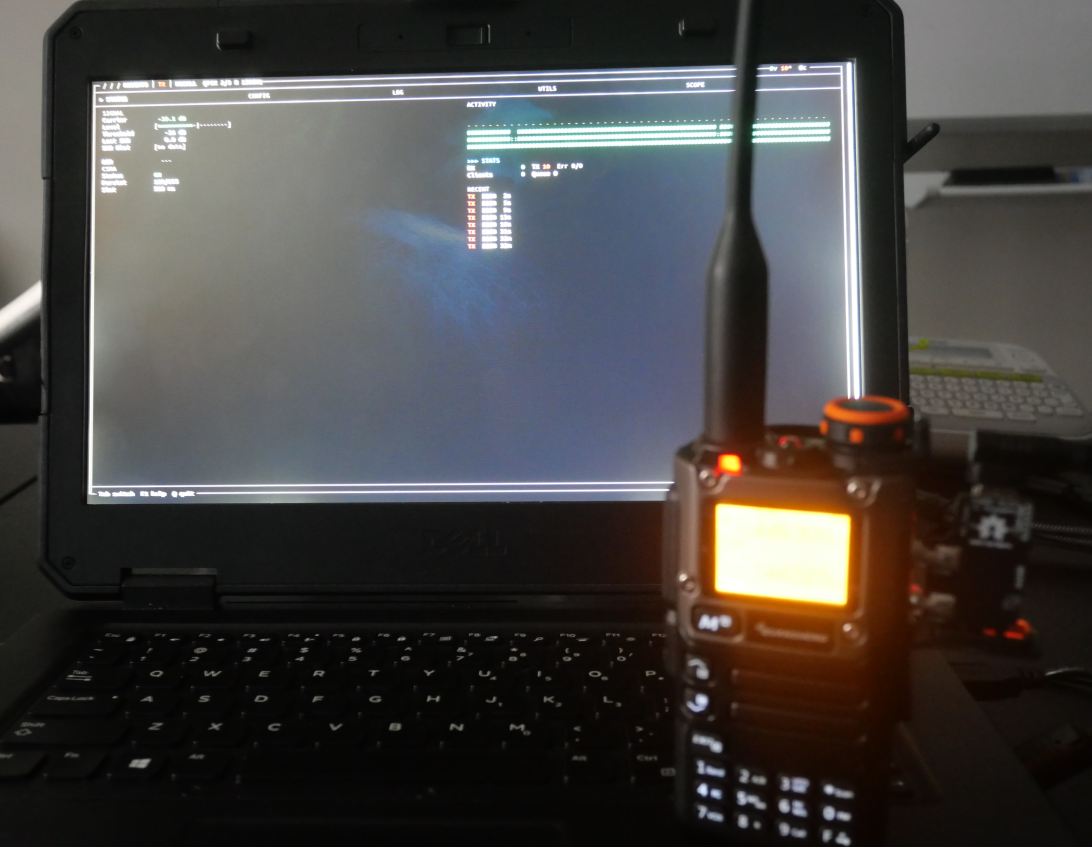
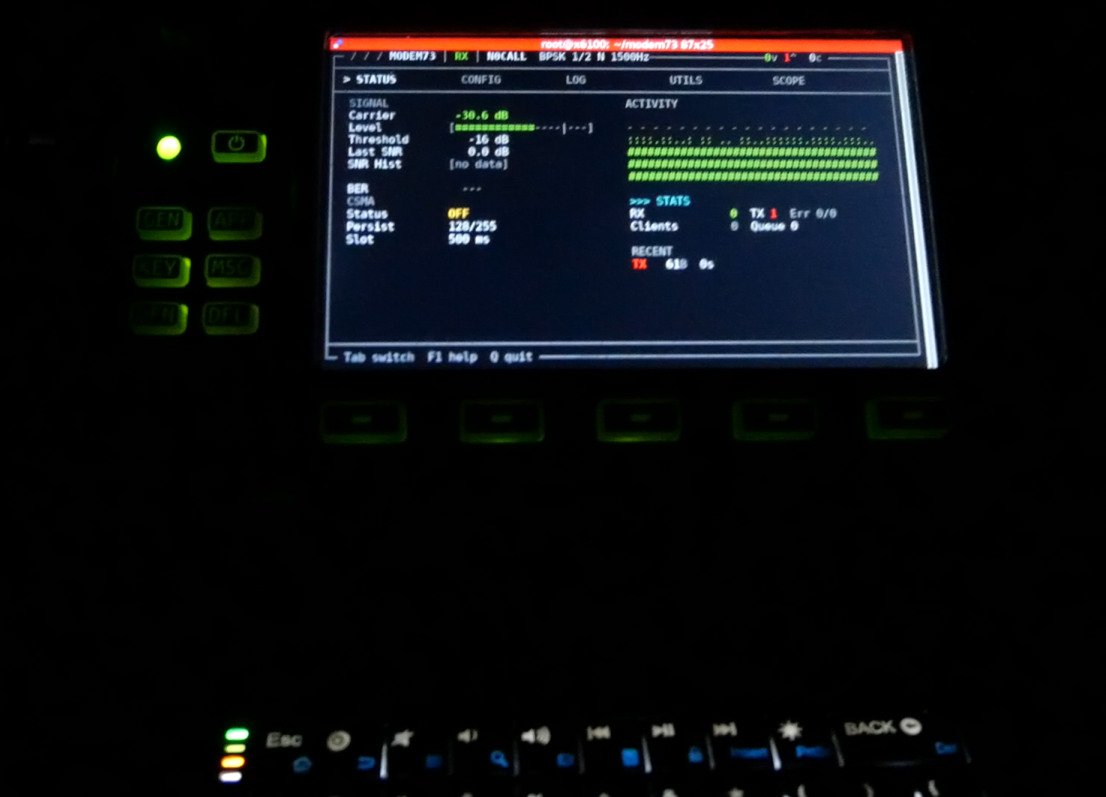
On VHF/UHF FM, use any OFDM mode.
On good HF SSB paths, use OFDM at 8PSK 2/3 or below.
On fading/weaker HF paths, use ROBUST modes. For very weak signals or as a backup use MFSK.
Bitrate in bps / payload in bytes, by code rate. 2400 Hz bandwidth.
| Modulation | 1/4 | 1/2 | 2/3 | 3/4 | 5/6 |
|---|---|---|---|---|---|
| BPSK | 300 / 64 | 700 / 128 | 900 / 171 | 1000 / 192 | 1100 / 213 |
| QPSK | 500 / 64 | 1100 / 128 | 1400 / 171 | 1600 / 192 | 1800 / 213 |
| 8PSK | 1100 / 256 | 2100 / 512 | 2900 / 684 | 3200 / 768 | 3600 / 852 |
| QAM16 | 1000 / 128 | 2100 / 256 | 2900 / 342 | 3200 / 384 | 3600 / 426 |
| QAM64 | 2200 / 512 | 4300 / 1024 | 5700 / 1368 | 6400 / 1536 | 7100 / 1704 |
| QAM256 | 2700 / 512 | 5400 / 1024 | 7300 / 1368 | 8200 / 1536 | 9100 / 1704 |
| QAM1024 | 3700 / 1024 | 7500 / 2048 | 10000 / 2736 | 11200 / 3072 | 12500 / 3408 |
| QAM4096 | 4300 / 1024 | 8600 / 2048 | 11400 / 2736 | 12800 / 3072 | 14200 / 3408 |
| Modulation | 1/4 | 1/2 | 2/3 | 3/4 | 5/6 |
|---|---|---|---|---|---|
| BPSK | 400 / 128 | 800 / 256 | 1100 / 342 | 1200 / 384 | 1300 / 426 |
| QPSK | 800 / 256 | 1600 / 512 | 2100 / 684 | 2400 / 768 | 2600 / 852 |
| 8PSK | 1200 / 512 | 2400 / 1024 | 3200 / 1368 | 3600 / 1536 | 4000 / 1704 |
| QAM16 | 1600 / 512 | 3200 / 1024 | 4200 / 1368 | 4700 / 1536 | 5200 / 1704 |
| QAM64 | 2400 / 1024 | 4800 / 2048 | 6400 / 2736 | 7200 / 3072 | 8000 / 3408 |
| QAM256 | 3200 / 1024 | 6300 / 2048 | 8400 / 2736 | 9500 / 3072 | 10500 / 3408 |
| QAM1024 | 4100 / 2048 | 8300 / 4096 | 11000 / 5472 | 12400 / 6144 | 13800 / 6816 |
| QAM4096 | 4800 / 2048 | 9600 / 4096 | 12800 / 5472 | 14400 / 6144 | 16000 / 6816 |
| Modulation | 1/4 | 1/2 | 2/3 | 3/4 | 5/6 |
|---|---|---|---|---|---|
| BPSK | 428 / 256 | 856 / 512 | 1144 / 684 | 1285 / 768 | 1425 / 852 |
| QPSK | 856 / 512 | 1713 / 1024 | 2288 / 1368 | 2569 / 1536 | 2850 / 1704 |
| 8PSK | 1275 / 1024 | 2551 / 2048 | 3408 / 2736 | 3826 / 3072 | 4245 / 3408 |
| QAM16 | 1713 / 1024 | 3425 / 2048 | 4576 / 2736 | 5138 / 3072 | 5700 / 3408 |
| QAM64 | 2551 / 2048 | 5101 / 4096 | 6815 / 5472 | 7652 / 6144 | 8489 / 6816 |
| QAM256 | 3425 / 2048 | 6851 / 4096 | 9152 / 5472 | 10276 / 6144 | 11400 / 6816 |
| QAM1024 | - | - | - | - | - |
| QAM4096 | - | - | - | - | - |
| Mode | Bandwidth | Payload | Airtime | Bitrate |
|---|---|---|---|---|
| RDM-1200 | 2400 Hz | 512 B | 3.6 s | 1150 bps |
| RDM-800 | 2400 Hz | 512 B | 5.2 s | 781 bps |
| RDM-600 | 2400 Hz | 512 B | 7.0 s | 585 bps |
| RDM-300 | 2400 Hz | 512 B | 13.8 s | 296 bps |
| RDMN-300 | 600 Hz | 512 B | 13.8 s | 296 bps |
| RDMN-150 | 600 Hz | 512 B | 27.5 s | 149 bps |
| RDM-1200S | 2400 Hz | 172 B | 1.9 s | 731 bps |
| RDM-800S | 2400 Hz | 172 B | 2.7 s | 513 bps |
| RDM-600S | 2400 Hz | 172 B | 3.6 s | 378 bps |
| RDM-300S | 2400 Hz | 172 B | 7.1 s | 194 bps |
| RDMN-300S | 600 Hz | 172 B | 7.0 s | 196 bps |
| RDMN-150S | 600 Hz | 172 B | 13.9 s | 99 bps |
| Mode | Tones | Bandwidth | Code rate | Payload | Bitrate |
|---|---|---|---|---|---|
| MFSK-8 | 8 | 250 Hz | 1/2 | 19 B | 34 bps |
| MFSK-16 | 16 | 500 Hz | 1/2 | 27 B | 48 bps |
| MFSK-32 | 32 | 1000 Hz | 1/2 | 35 B | 63 bps |
| MFSK-32R | 32 | 1000 Hz | 3/4 | 55 B | 99 bps |
On a system with apt? Run the installer script:
./install.sh
Or build manually:
# Debian/Ubuntu/Pi
sudo apt install git build-essential libncurses-dev g++

git clone https://github.com/RFnexus/modem73
cd modem73
make

# Optional: move to /usr/local/bin
sudo make install
For CM108 USB PTT support, install libhidapi-dev before building. The Makefile will auto-detect it and enable the feature.
By default, MODEM73 listens for KISS on port 8001 and starts a JSON control port on 8073. See CONTROL_PORT.md for the full spec.
# Start in UI mode
./modem73

# Start in headless mode
./modem73 --headless

# See all options
./modem73 --help
There are five PTT options: NONE (speaker/mic over the air), rigctl, VOX, serial, and CM108.
# rigctl, while rigctld is running
./modem73 --rigctl localhost:4532

# VOX with 500ms lead and 150ms tail
./modem73 --ptt vox --vox-freq 1200 --vox-lead 500 --vox-tail 150

# Serial
./modem73 --ptt com --com-port /dev/ttyUSB0 --com-line rts

# CM108 USB audio interface (GPIO3 is the default)
./modem73 --ptt cm108 --cm108-gpio 3
modem73 supports the All In One Cable out of the box. Set PTT to COM, specify your COM port, set PTT line to BOTH and Invert to INVERT RTS. The AIOC usually shows up as /dev/ttyACMx and may change after a restart or replug.
Want to use modem73 with Reticulum? Grab the modem73interface, drop it into ~/.reticulum/interfaces/, and add this to your Reticulum config:
[[MODEM73]]
type = Modem73Interface
enabled = yes
target_host = 127.0.0.1
target_port = 8001
control_host = 127.0.0.1
control_port = 8073
modem73 includes an update utility. To update to the latest version:
./update.sh